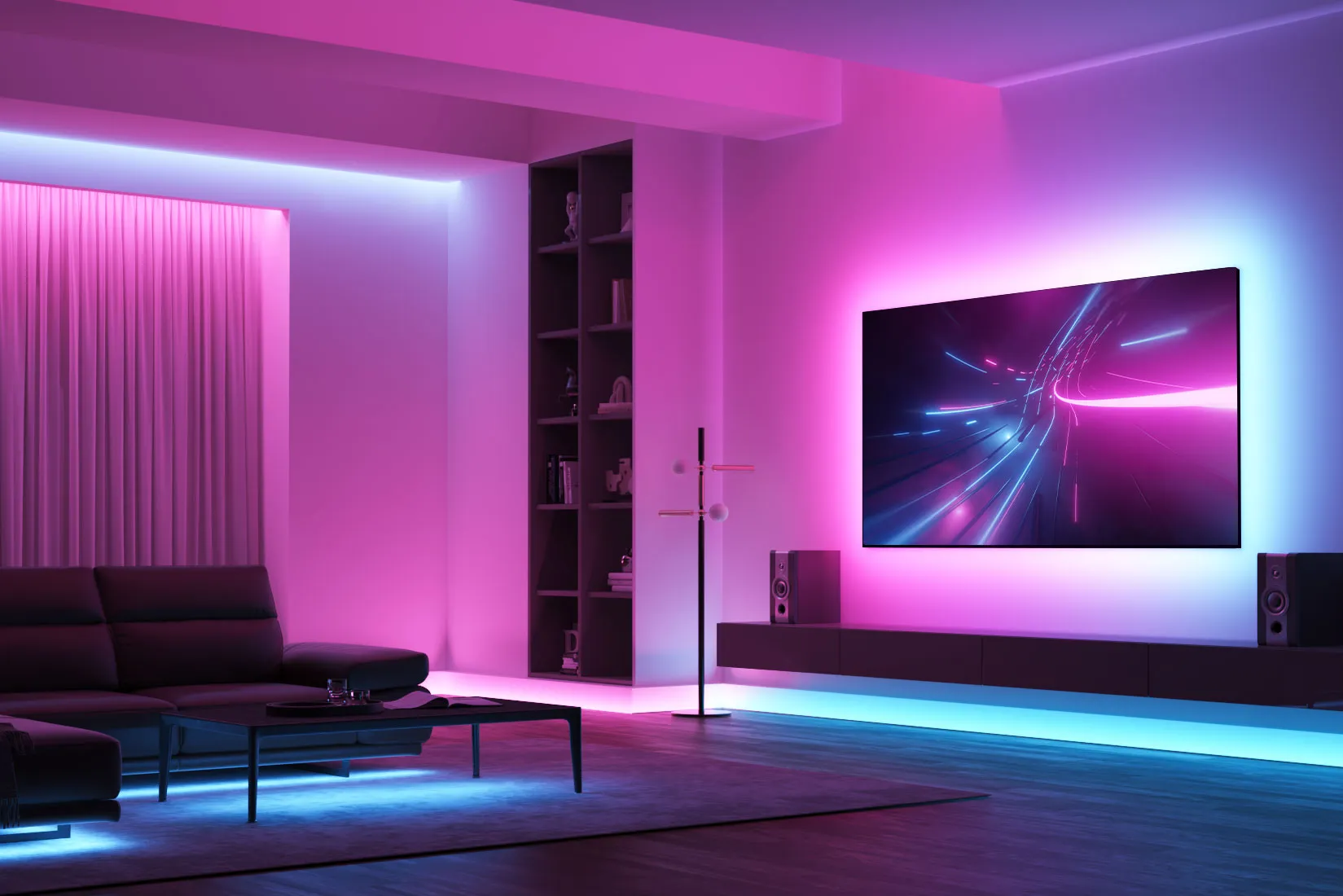

Looking to add vibrant, customizable lighting to your home? The Govee RGBIC LED Strip Lights are a fantastic choice for anyone who wants dynamic, app-controlled lighting with millions of color options. Whether you’re decorating a gaming setup, bedroom, or living room, these LED strips offer impressive features at a reasonable price.
In this review, I’ll cover the key features, pros and cons, setup process, and how they compare to competitors like Philips Hue and LIFX.
Key Features of Govee RGBIC LED Strip Lights
✅ 16 Million Colors – Choose from a wide range of colors and adjust brightness to fit any mood.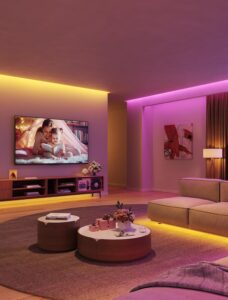
✅ RGBIC Technology – Unlike standard RGB strips, RGBIC allows multiple colors on a single strip for stunning lighting effects.
✅ Wi-Fi & App Control – Use the Govee Home app (iOS/Android) to change colors, adjust brightness, and set schedules.
✅ Voice Control – Works with Alexa and Google Assistant for hands-free operation.
✅ Music Sync & Scenes – The lights can pulse to the beat of your music or follow preset dynamic scenes.
✅ Easy Installation – Peel-and-stick adhesive makes setup quick and tool-free.
✅ Cuttable & Extendable – Can be cut to size (at marked points) and extended with additional strips.
Pros & Cons
Pros:
✔ Affordable – Much cheaper than Philips Hue but with similar features.
✔ Bright & Vibrant Colors – The LEDs are bright (1800 lumens for a 16.4ft strip) and colors look rich.
✔ Great App Experience – The Govee app is user-friendly with tons of customization options.
✔ No Hub Required – Connects directly to Wi-Fi, unlike Philips Hue which needs a bridge.
Cons:
❌ Adhesive Could Be Stronger – Some users report the strips falling off after a while (but can be fixed with extra tape).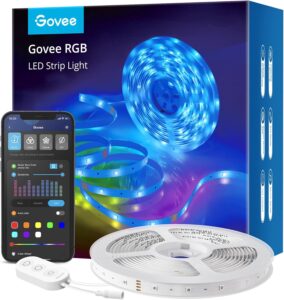
❌ Not as Seamless as Philips Hue – Hue has better ecosystem integration (e.g., Apple HomeKit).
Setup & Usability
Setting up the Govee RGBIC LED strips is super easy:
-
Unroll & Stick – Peel off the adhesive backing and attach the strip to a clean, dry surface.
-
Plug In & Connect – Power up the strip and connect via the Govee Home app.
-
Customize – Choose colors, effects, and schedules right from your phone.
The app lets you:
-
Set timers & schedules (e.g., turn on at sunset).
-
Sync with music or movies for an immersive experience.
-
Use pre-set scenes like “Sunrise,” “Romantic,” or “Party.”
Govee RGBIC vs. Competitors – Comparison Table
| Feature | RGBIC LED Strip Lights | Philips Hue Lightstrip Plus | LIFX Z LED Strip |
|---|---|---|---|
| Price (16.4ft) | $49.99 | $89.99 | $89.99 |
| Colors | 16 million | 16 million | 16 million |
| Brightness | 1800 lumens | 1600 lumens | 1400 lumens |
| App Control | Yes (Govee Home) | Yes (Hue App) | Yes (LIFX App) |
| Voice Control | Alexa, Google Assistant | Alexa, Google, HomeKit | Alexa, Google, HomeKit |
| Hub Required? | No | Yes (Hue Bridge) | No |
| Music Sync | Yes | Yes (with Hue Sync Box) | Yes |
| Cuttable? | Yes (at marked points) | Yes | Yes |
| Warranty | 1 year | 2 years | 2 years |
Why Govee Wins?
-
Best value for money – Nearly half the price of Philips Hue with similar features.
-
No hub needed – Works directly with Wi-Fi.
-
Brighter than competitors – 1800 lumens vs. 1600 (Hue) and 1400 (LIFX).
Final Verdict: Should You Buy Govee RGBIC LED Strips?
Yes! If you want colorful, smart LED strips without spending a fortune, the Govee RGBIC is an excellent pick. While Philips Hue offers better ecosystem integration (like HomeKit), Govee provides 90% of the features at half the price.
Who Should Buy These?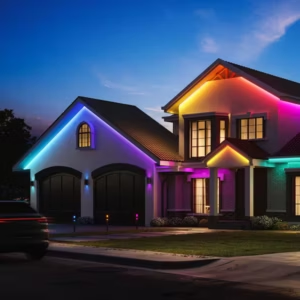
✔ Budget-conscious buyers who want premium features.
✔ Gamers & streamers looking for immersive lighting.
✔ Home decorators who love customizable lighting.

Who Should Look Elsewhere?
❌ If you need Apple HomeKit (Philips Hue is better).
❌ If you want the absolute strongest adhesive (may need extra tape).